
 Login
Login 

Rostering
FIFO Rostering Software: Managing Flights and Accommodation in Your Roster
By Humanz · 2026-06-12
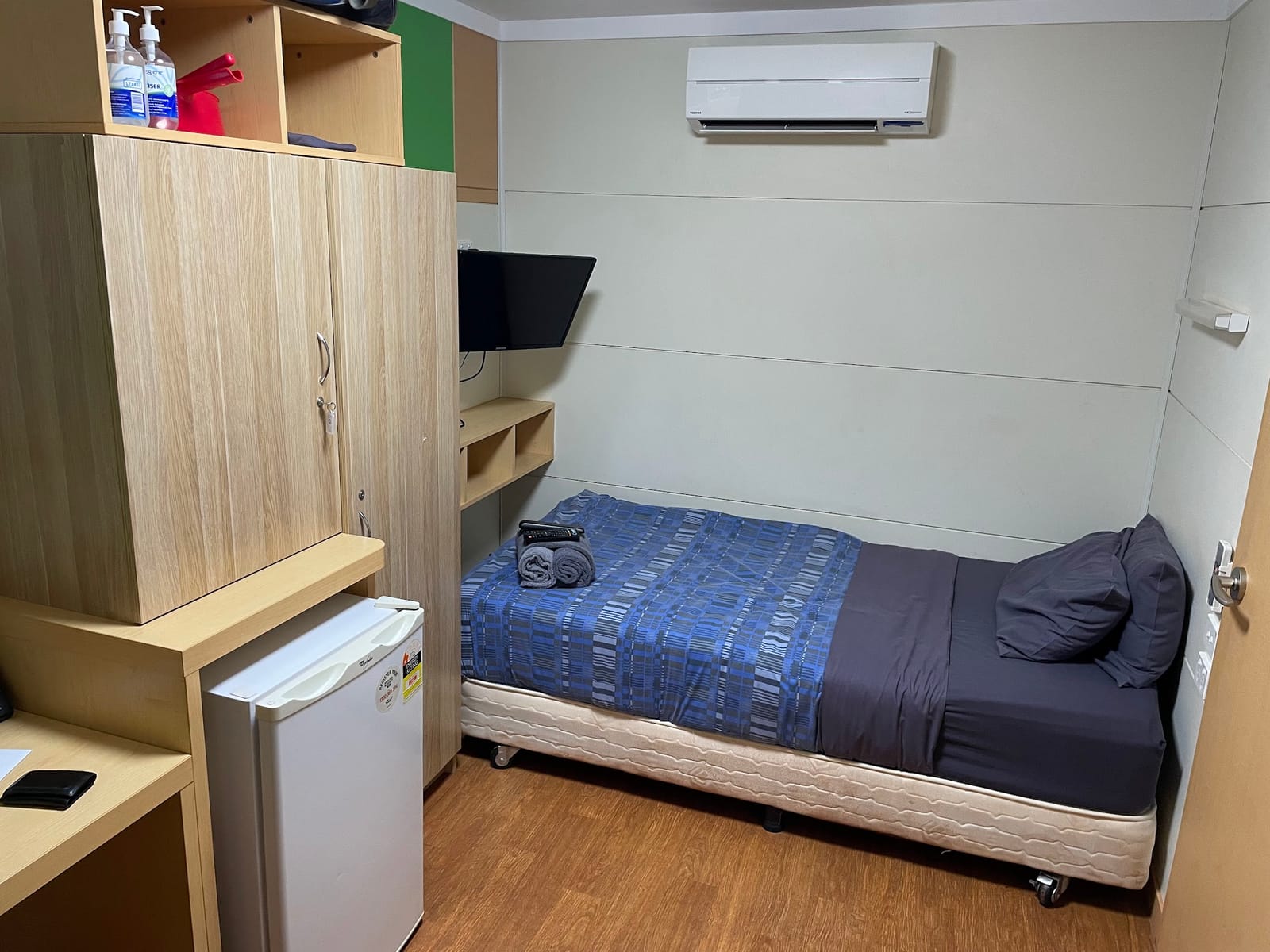
FIFO flights and accommodation — how to manage travel in your roster
For FIFO and DIDO operations across mining, construction, and remote field services, a worker’s shift doesn’t start when they swing on the tools. It starts at the airport. If your roster only shows work shifts, you’re managing half the picture — and the other half usually lives in a spreadsheet, an inbox, or someone’s head.
That’s how workers end up at the wrong terminal, rooms get double-booked, and schedulers spend Sunday nights cross-referencing flight manifests against the roster. A FIFO workforce management platform that treats flights and accommodation as first-class roster items removes that gap entirely.
Why travel belongs in the roster
When flights and accommodation sit outside the roster, three problems show up repeatedly:
- No single source of truth. The scheduler sees the work shift, but not whether the worker can physically be on site for it. Travel conflicts only surface when someone misses a swing.
- Double data entry. Travel details get typed into a booking spreadsheet, then re-communicated by phone or email — every time, for every worker.
- No visibility for the worker. Crews check their roster on their phone. If the flight isn’t on it, they’re relying on a text message from three weeks ago.
Putting non-work shifts — flights, accommodation, mobilisation days — on the same schedule as work shifts means everyone sees the complete picture: the scheduler on the Gantt view, and the worker in the mobile app.
This matters for compliance too. Travel time and remote work arrangements carry real obligations around rest, rosters, and working hours under the Fair Work system, and remote site travel is a recognised fatigue factor in Safe Work Australia’s guidance on managing fatigue risk. If travel isn’t visible in the schedule, it isn’t being factored into fatigue and rest planning.
How Humanz handles flights and accommodation
Humanz manages FIFO travel through two complementary features: reusable templates and bulk upload.
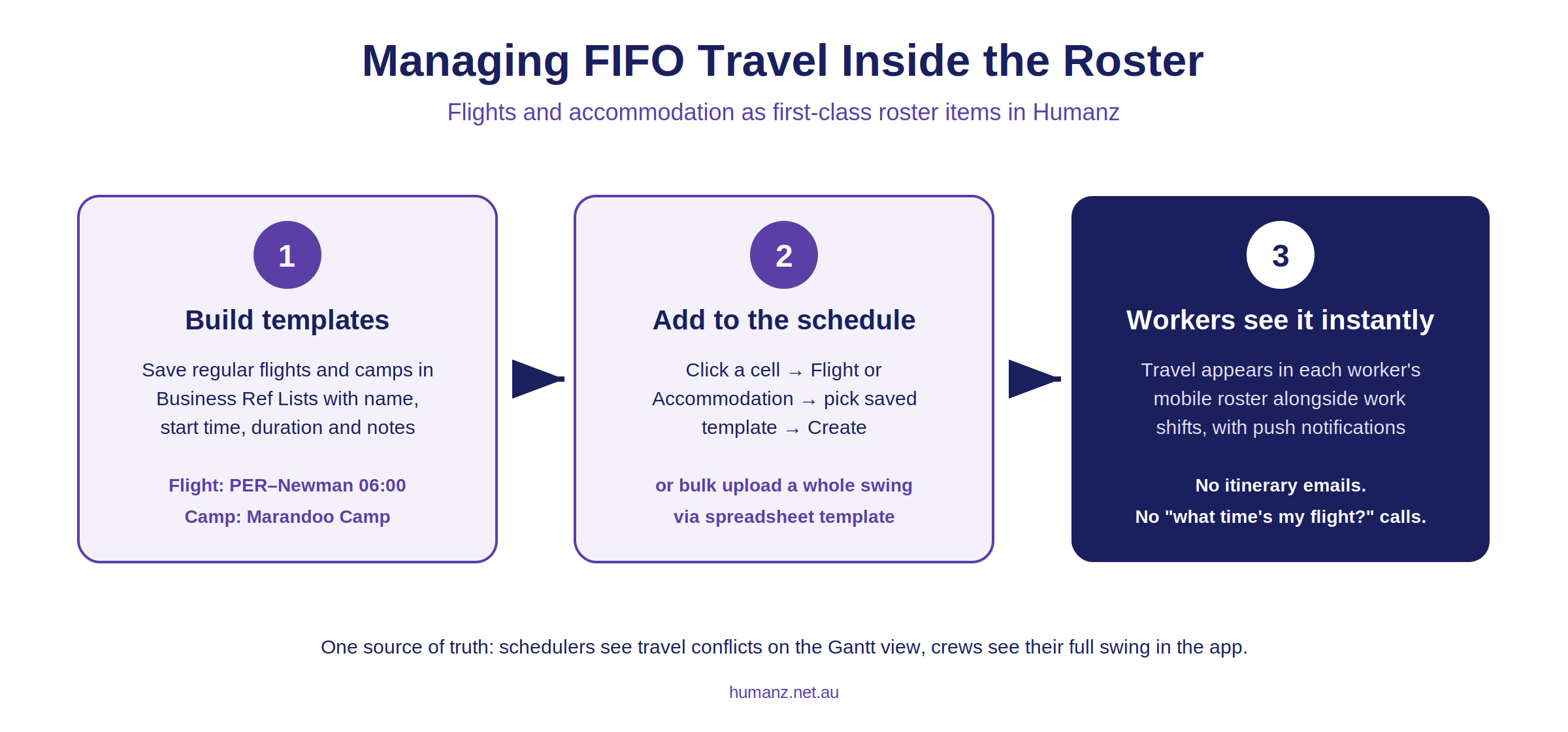
1. Flight and accommodation templates
Most FIFO operations use the same handful of flights and camps over and over. Rather than typing “PER–Newman, 06:00 departure” hundreds of times, Humanz lets you save these as templates in your Business Reference Lists:
- Flights — saved with a name, start time, duration, and notes (terminal, check-in cut-off, airline reference).
- Accommodation — saved with a name and notes (camp check-in details, room allocation process).
Once saved, adding travel to the roster takes seconds: click a cell on the scheduler, choose Flight or Accommodation, pick the saved template, and create. The pre-set details populate automatically.
2. Bulk upload for whole swings
For large crews, even template-based entry is too slow. The bulk upload feature lets you download a non-work shift spreadsheet template directly from the Scheduler Settings, fill in the details — project, task, job, worker name, date, start and end times, shift type, and notes — and upload the entire swing’s travel in one pass.
This is the difference between an afternoon of clicking and a five-minute import when you’re mobilising 60 people for a shutdown. If you’re coordinating subcontractors as well as direct employees, the same approach works alongside your subcontractor management process.
3. Workers see it instantly (Or When your Coordinator Chooses)
Humanz manages data within the platform using status, such that planning activities can take place and changhe frequently without the end-user getting notifications for all the changes. That being said, once something is approved and confirmed, you do want the team to see what is planned as well as if it changes!! Because flights and accommodation are roster items, they appear in each worker’s schedule in the mobile app — alongside their work shifts, with push notifications when things change. No separate travel itinerary email, no “what time’s my flight” calls to the office.
Practical tips for setting this up
- Build your template library first. List every regular flight route and camp before you start scheduling. Ten minutes of setup saves hours every roster cycle.
- Use the notes field properly. Check-in cut-offs, terminal numbers, and camp reception hours belong in the template so they appear on every booking automatically.
- Bulk upload at mobilisation time. When a new job kicks off, upload all travel for the first swing in one spreadsheet, then maintain it with individual template entries as things change. This pairs naturally with a structured field worker onboarding process — new starters get their first flight on their roster the moment they’re mobilised.
- Keep travel and fatigue planning connected. Long travel days compress rest windows. Having flights visible on the same schedule as work shifts means your fatigue rules are checking against reality, not just rostered work hours.
For trades and resources businesses comparing platforms, travel handling is a genuine differentiator — most generic rostering tools simply don’t model non-work shifts. It’s one of the reasons purpose-built rostering software for Australian field teams wins in mining and remote construction. The broader swing-management picture — patterns, fatigue gates and crew confirmation — is covered in our FIFO rostering software guide.
Frequently asked questions
Can workers see flight details in the app? Yes. Flights and accommodation appear as shifts in the worker’s mobile schedule, including the notes saved on the template.
Do I have to use templates, or can I enter one-off travel? Both. Templates speed up repeat routes, but you can create a flight or accommodation shift manually with custom details any time.
What format is the bulk upload? A spreadsheet template downloaded from Scheduler Settings. You fill in the rows (worker, date, times, shift type, notes) and upload it back — Humanz creates all the shifts at once.
Does travel data flow into reporting? Yes — non-work shifts sit in the same scheduling data as work shifts, so they’re visible in exports and reports alongside everything else.
Is this only for FIFO mining crews? No. Any business that moves people — remote construction, shutdown crews, regional service teams — can use flights, accommodation, and other non-work shift types. The same scheduling approach extends to logistics and transport workforces, where drivers and field crews are constantly on the move.
Want to see FIFO travel management on your own roster? Book a demo and we’ll walk you through it with your real flight routes and camps.
Related articles
Ready to see Humanz on your own roster?
Free 30-minute walkthrough — we'll use your real crews, sites and shift patterns.